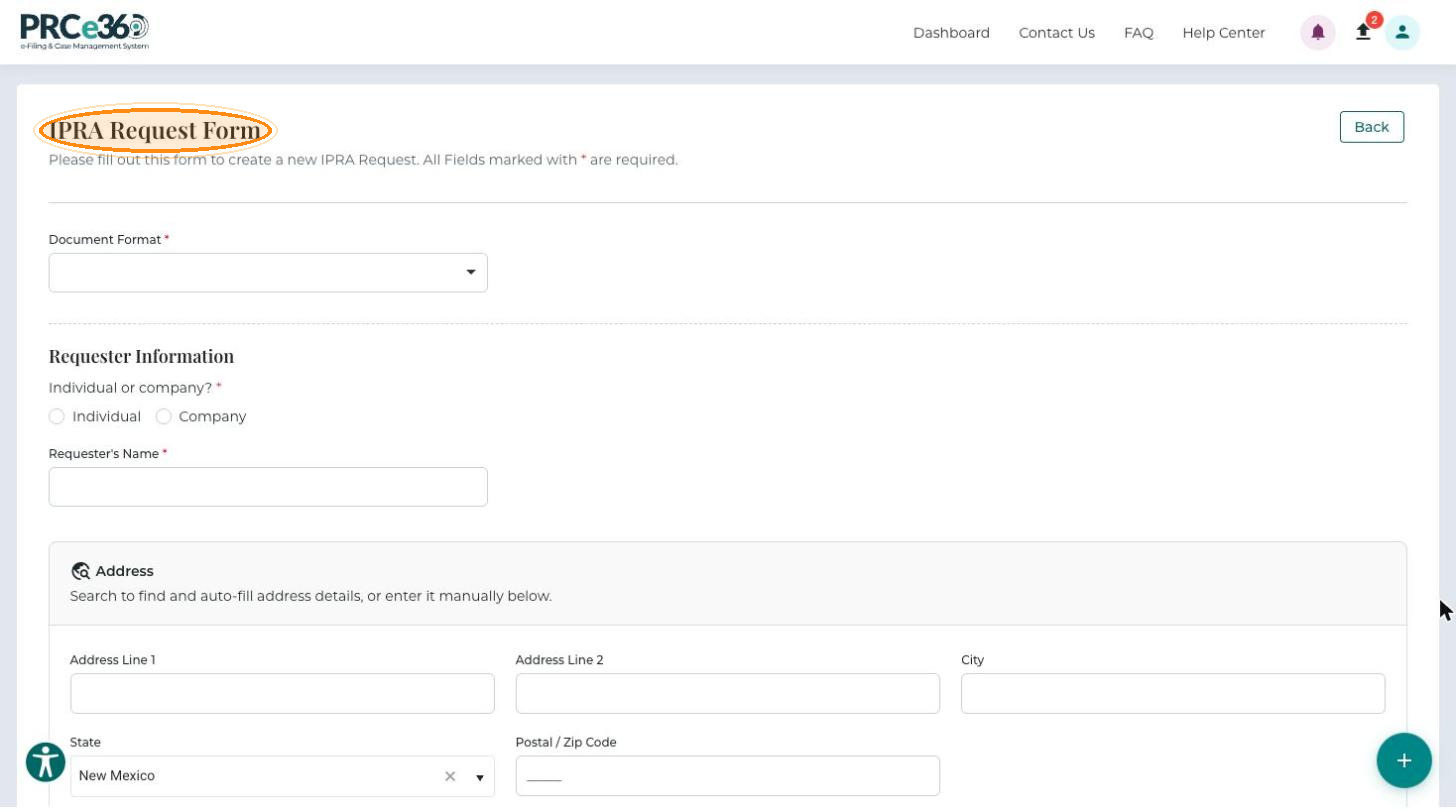
Open the IPRA Form
Open the IPRA Request Form from your dashboard to start a public records request under the Inspection of Public Records Act. For background, see What is IPRA?
Who can do this
Registered Tier 1 and Tier 2 users.
Before you begin
Sign in to the portal.
Open the Form
-
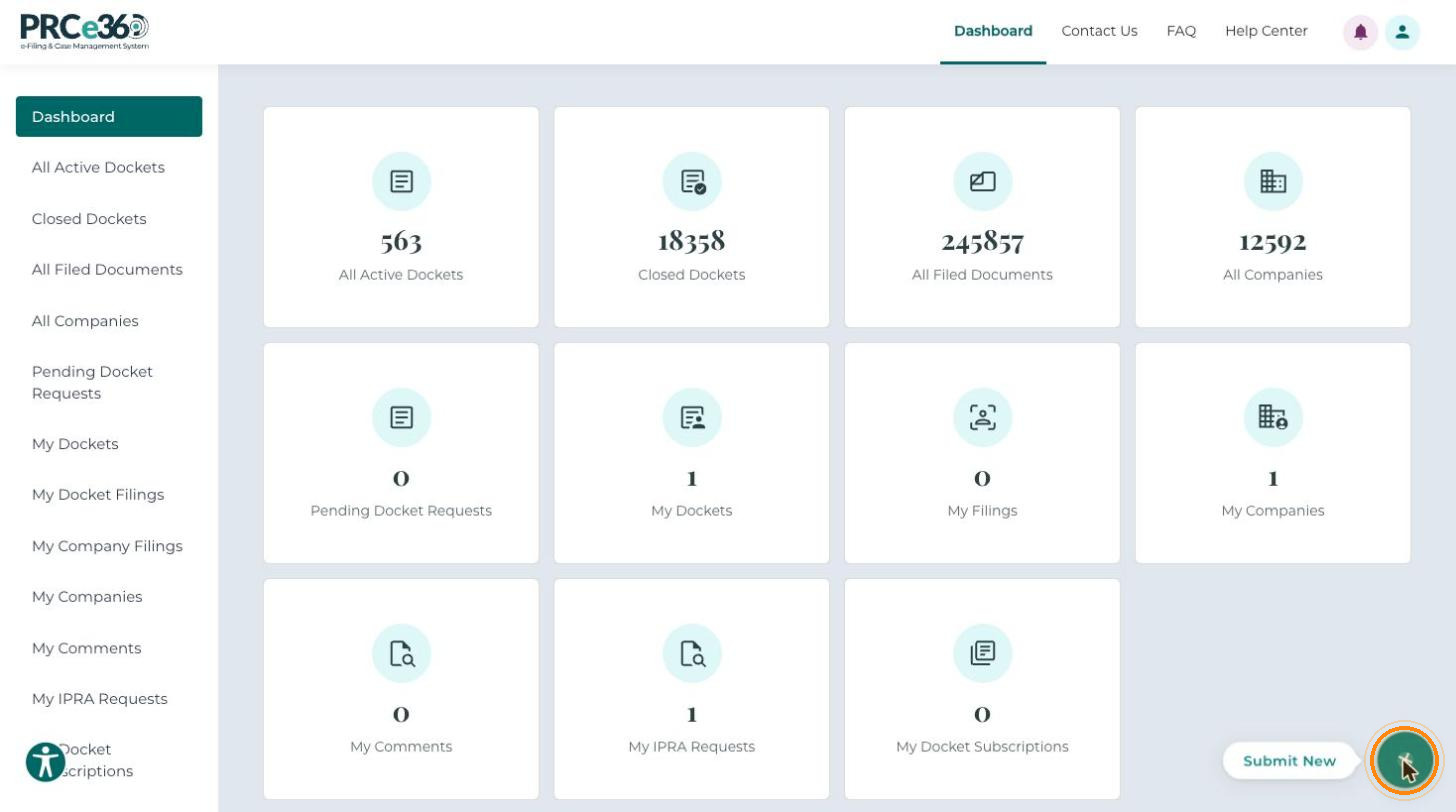
On your dashboard, click Submit New (the + button at the bottom-right corner).
-
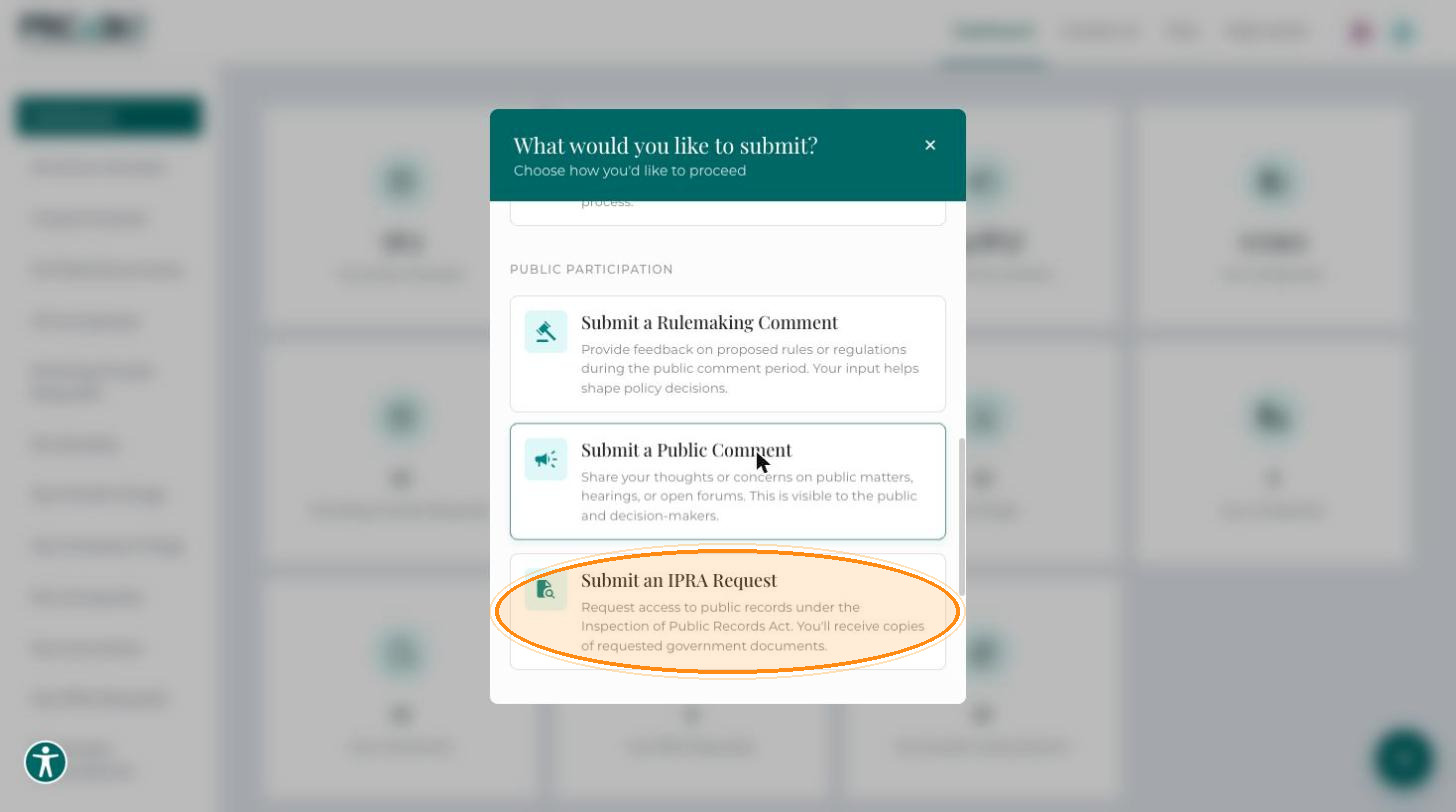
In the What would you like to submit? dialog, under Public Participation, select Submit an IPRA Request.
The IPRA Request Form opens. Fields marked with * are required.